 reckoner
Answer Experienced lifters
Already lifting? How to make Reckoner fit you
Tell setup what you have already lifted, correct any weight you disagree with on the Week page, and rate every set honestly. If you would rather run your own program, turn Auto-progression off on Setup and keep logging.
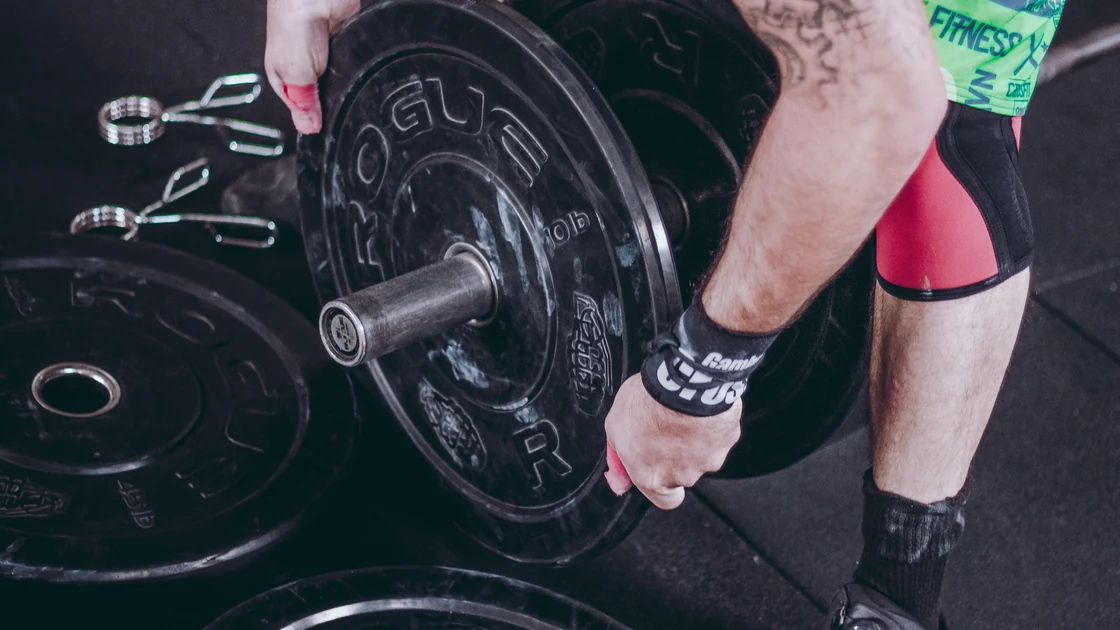
You have trained for a while. You know your numbers, you know what a hard set feels like, and you do not need a lesson on how to squat. What you need is a plan that starts where you actually are. Here is how to make Reckoner fit you, rather than the other way around.
Give setup your history
Setup asks three questions that are easy to skip and worth answering: how many of the last twelve months you lifted at least twice a week, whether you have trained with a barbell before, and your best lifts. Answer them as they are. They set where your plan starts.
- Best lifts covers the back squat, bench press, deadlift, overhead press, barbell row and pull-up. Give a one-rep max, or a recent weight and the reps you got with it. A lift you name opens a little under three quarters of the max that implies.
- Your training history sets your starting level, and that decides how heavy the lifts you did not name open, read from strength standards for your bodyweight and sex.
Your first week is an assessment week, with the effort capped, so it errs on the light side on purpose. Log it honestly and the engine corrects from what you actually lifted.
These answers are read when a plan is built. Changing your history answers later does nothing to a plan you are already running, because from week one the engine reads your logged sets instead. Changing Best lifts on the Setup page does act at once: every lift you listed is reset from the numbers you give. To move one lift, use the Week page.
Set your own weight on any lift
If a starting weight looks wrong to you, change it. On the Week page, tap the pencil on a day, change the Load on that lift, and tap Save this day. Sets, reps and rest change the same way. The lift keeps its history, the engine builds from your number from then on, and the change reaches your watch the next time it syncs.
Rate every set honestly
After each lift Reckoner asks how hard it was and how the form looked. Those two answers steer the next week.
- Reps move first, then load. Meet the target with room left in the rep range and next week asks for one more rep at the same weight. Finish every set at the top of the range and the load goes up by the smallest step your kit can make, with the reps coming down to match. How Reckoner decides to add weight has the whole decision, and double progression is the method behind it.
- Clean form lets a raise through. Answer Fair or Rough and a weight that would have gone up stays where it is. Rough two sessions running takes it down a step.
- Effort only holds you back when it is over the lift's cap. A set rated harder than that lift is meant to run keeps next week's rep target where it is, for one week and once only. A set rated at or under the cap moves on.
So an easy set with clean form is the one that moves you fastest, and calling a grinder easy only buys you a weight you are not ready for. What RPE actually measures and reps in reserve cover how to put a number on a set.
Running your own program? Turn Auto-progression off
If you already follow a program you trust, Reckoner can carry it without rewriting it. Build your days on the Week page, then turn off Auto-progression on the Setup page, under How the engine adapts. The page says what that does in one line: “The engine reckons next week from what you logged. Off means the plan stays exactly as written until you change it.” The Reckoning row on the Week page is the same switch.
With it off you still log every session, on the watch or on the site. The watch still runs your day, set by set, and your history, records and milestones still come from what you log. When your program says a load goes up, change it on the Week page.
What you give up with it off
Nothing else does these jobs while it is off.
- The weekly adjusting. Every week carries forward exactly as written: same lifts, same loads, same reps, same sets, until you change them.
- Stall handling. With it on, a lift that has not moved for three trained weeks is eased back about a tenth and rebuilt, and offered as a swap if it stalls again. Off, nothing is counted and nothing is eased. What happens when a lift stalls has the full rule.
- Deloads. With it on, each block closes with a lighter week that cuts sets and keeps your loads, and a run of weeks rated over the cap brings a lift relief early. Off, the block stands still, so no lighter week comes unless you write one. When to deload is worth reading before you plan your own.
Turn it back on whenever you like. The engine picks up exactly where it stopped: the block, the stall counts and your loads are as you left them.
Tell it what you have lifted, correct what it guessed, and go and train.