 reckoner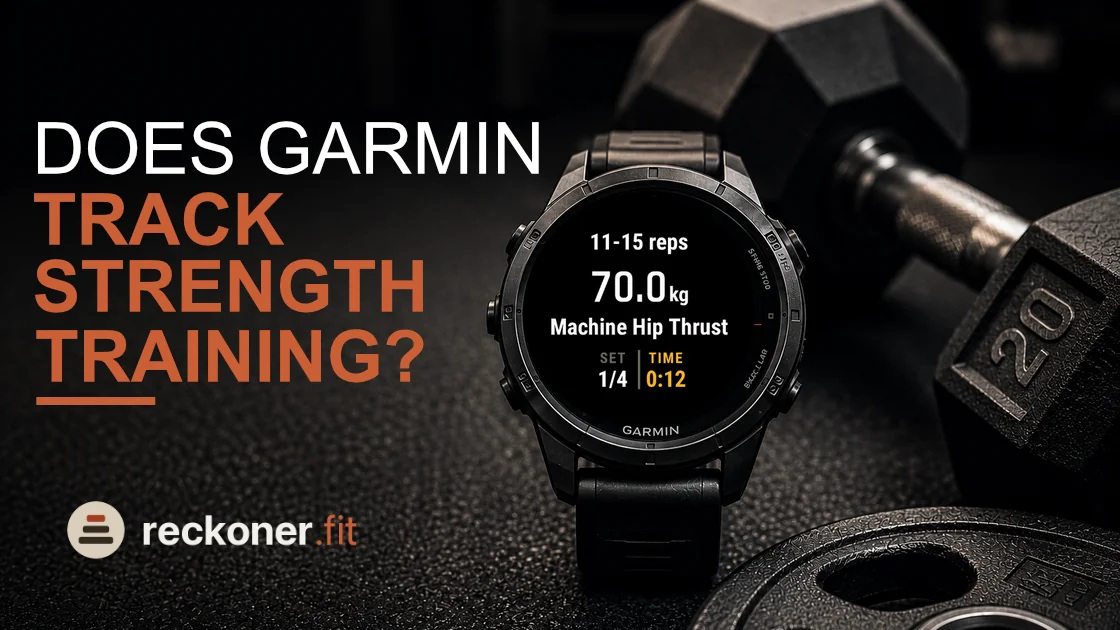
Garmin's own strength activity counts your reps from your wrist and shows the count once you have done at least four of them. When the set is over you can correct that number and add the weight you used.1 The session is saved like any other activity, so it lands in Garmin Connect with your sets in it.
What it records, and what it does not
It records the session you did. The reps come from wrist movement rather than from the bar, so a lift that moves your wrist very little is a lift the count will struggle with, and the weight is a number you type in afterward rather than one anything measured.
What it does not record is a reason. Nothing in that file says whether four sets of six at eighty kilos was the right thing to be doing, whether the last one was close to failure, or what should be on the bar next week. Those are the parts that turn a log into a plan, and the activity was never built to carry them.
How Reckoner records the same session
Reckoner records a strength training activity too, and it reaches Garmin Connect the same way, with every set as a real lap carrying its reps and its weight. Two things are different. The load and the reps are already on the screen when you start the set, because the week was reckoned before you got to the gym. And the effort goes in as a single whole number from six to ten as you rack the bar, so the record carries how hard it was as well as what it was.
That last field is the one the plan is written from. A log tells you what happened. What you want is the thing that reads it and changes next week, which is the difference our guide to strength training on a Garmin is about.