 reckoner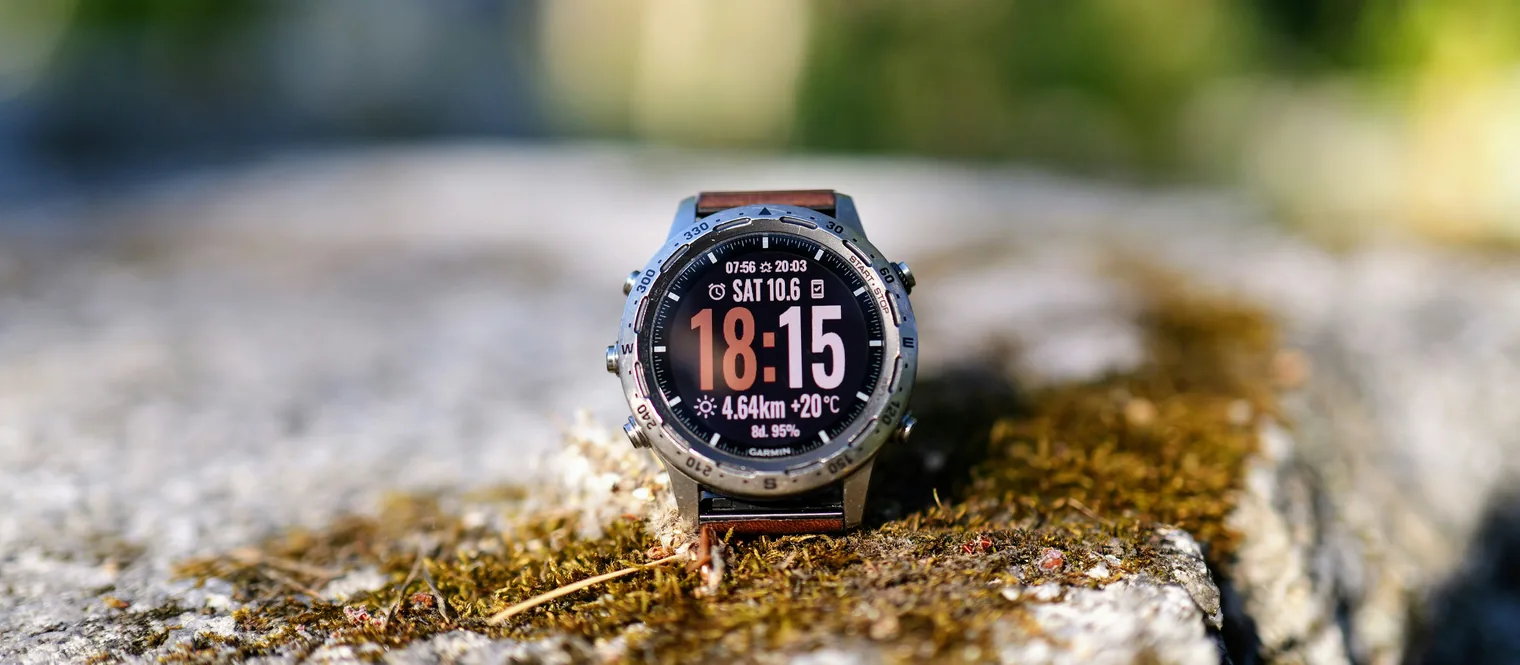
You have a Garmin on your wrist and a gym session in front of you. The watch will record it, and it will record it more honestly than your memory will. The first few sessions you try to run from the wrist usually go badly anyway, for reasons nobody warns you about in advance.
Here is what the watch actually does during a gym workout, where it goes wrong, and what to settle before you walk in.
Start the gym activity, not a generic one
Strength sits under the gym activities rather than in the main list beside the runs and the rides, and choosing it matters for more than the label. GPS is turned off for indoor activities, the watch asks once which wrist you wear it on, and the whole structure of sets and rests only exists inside the strength activity2. Start a generic indoor workout instead and what you get back is a heart rate trace and a duration, which is a record of having been somewhere rather than of having trained.
The rep counter is a motion sensor, and it behaves like one
The count comes from your arm rather than from the bar. A rep is registered when the arm wearing the watch returns to where it started, and the number only appears once you have done at least four of them1. Three things follow, and all three are in Garmin's own notes rather than in anybody's opinion:
- It counts one movement per set. Change exercise partway and you have to finish the set and start a new one, or the number means nothing1.
- Leg exercises may not be counted at all1. Your wrist barely travels in a squat and it does not travel at all in a leg press.
- Looking at the watch mid set corrupts the count2, because raising your arm to read it is itself a movement.
So treat the count as a first draft. It is a good draft on a press or a curl and a poor one on anything your arm is only along for the ride on.
The weight is the part you type
Nothing on your wrist can tell what is on the bar. When you finish a set the rest timer comes up, and that screen is where you correct the rep count and enter the load you used1. Do it there or it does not get done. Once the activity is saved, a set with no weight against it is a set you will be guessing at in three months.
This is the single point where most gym sessions on a watch fall apart. Your hands are chalky, the rest is ninety seconds, and typing a number into a small screen with barbell knurl still in your palms is genuinely irritating. Skipping it feels free at the time and it costs you the entire record.
How to run one so the record survives
- Decide the session before you get there. A watch is a poor place to choose an exercise. It is an excellent place to be told one.
- End the set at the rack, not after the walk. The rest timer starts when you say the set finished, so ending it late makes every rest in the session longer than it was.
- Correct the reps first, then enter the load. That is the order the screen offers them in, and doing it in that order once per set becomes automatic inside a week.
- Do not plan to fix it in the phone afterwards. A set written up in the evening is a set you are remembering, and the numbers you remember are the round ones.
- Save and send the activity before you leave. It reaches Garmin Connect with the sets in it, where you can read it back and edit it2.
The watch is very good at writing down what happened. It has no opinion at all about what should happen next.
What none of this decides
At the end of a clean session you have an accurate file: the sets, the reps you corrected, the loads you typed, the rest you took. What is not in that file is a reason. Nothing in it says whether four sets of six was the right thing to be doing, whether the last set was close to failure, or what belongs on the bar next Tuesday. Those are the parts that turn a log into a plan, and the built in activity was never built to carry them. That gap is the subject of what a Garmin can actually do for strength training.
What a Reckoner session looks like instead
The day is on the screen before you touch anything: the lift, the load, the rep target and the rest, pushed to the watch when the week was reckoned, working with no signal because a squat rack in a basement is exactly where a connection is not.
You press to end a set and the reps and the load are already filled in with what was prescribed, so the only thing you touch is the number that came out different. At the end of each lift you give one effort rating from six to ten. The session is recorded as a strength training activity and reaches Garmin Connect with every set as its own lap, carrying that set's reps and that set's weight.
Keep using the built in strength activity for anything Reckoner is not prescribing. It is a good recorder and this is not a replacement for one. Whether a written plan can arrive on the watch at all is its own question, and it has two answers.